GBA save types – Chaos under the hood
Your Pokemon Emerald’s battery has run dry but you can still save. Your Wario Land 4 saves, on the other hand, are definitely gone. Maybe you are reading a reddit poster’s Metroid Fusion save obituary but when you open your cart, there no battery inside.
The insides of a GBA cart are not as uniform as you might think. There are actually 4 types of memory that were used in these carts and each could come in different sizes. Moreover, the differences are more than technical details as they affect the longevity of your save files and the cart’s repairability among other things.
SRAM – You battery has run dry
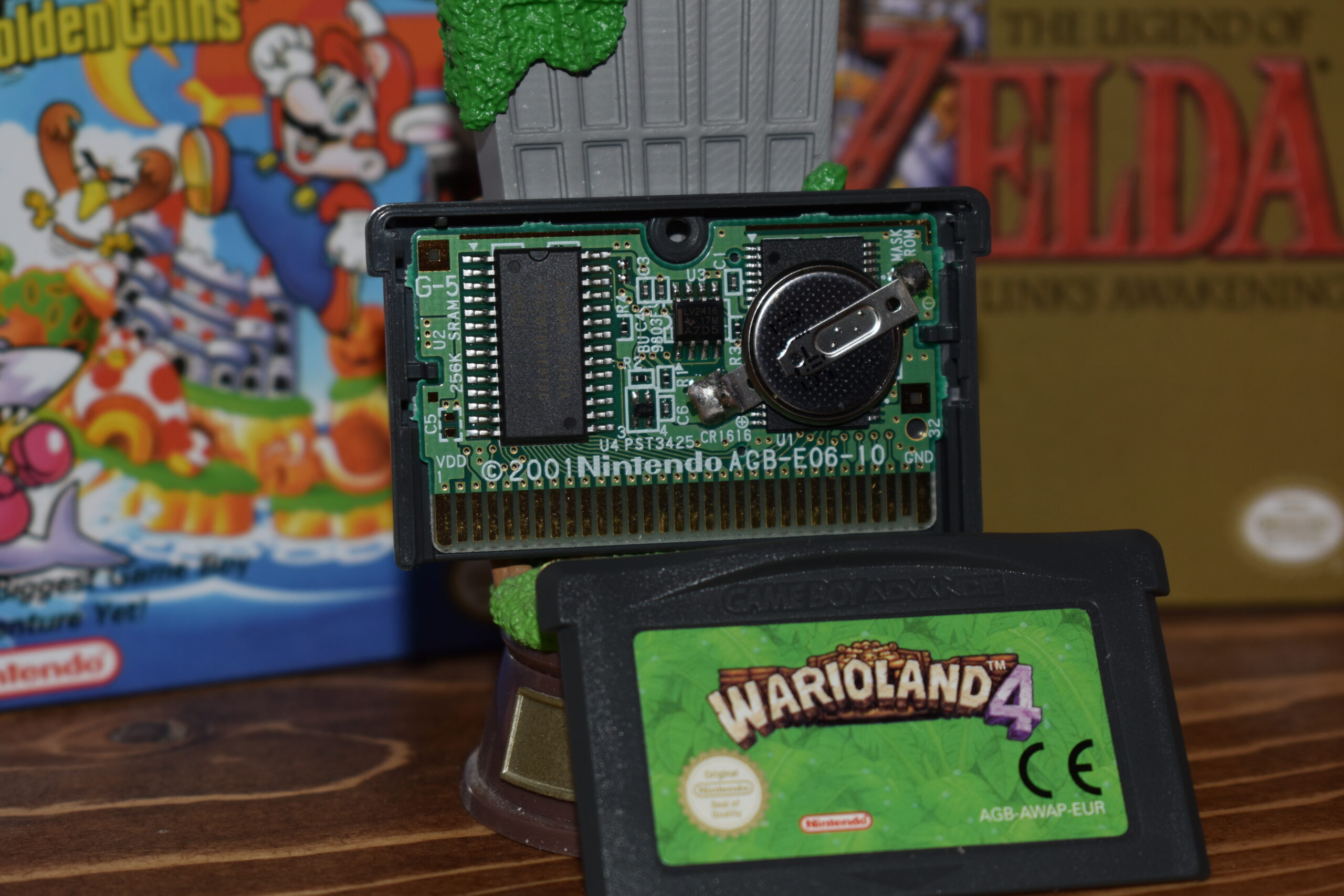
SRAM (static random-access memory) is a type of memory that loses data when the power turns off. Therefore, it needs to be battery-backed. That’s why a lot of GBA carts have these coin batteries inside, usually a CR1616.
This type is usually found in early GBA games, as well as in all Game Boy and Game Boy Color games that have a save functionality. As we are 20+ years removed from the production of most GBA games, there’s good chunk of these batteries that has run dry. This particular battery, pictured above inside the Wario Land 4 cart, is 24 years old and still alive. In case you are curious about yours, all original batteries have the production date written on the in YY-MM format. The longevity of your saves will vary from game to game, depending on the power draw.
The size of the saves of games using SRAM is 32B and the save speed is fast. However, the obvious downsize is that, more likely than not, you are going to be dealing with save wipes at this point in time, which is why it’s largely my least favorite memory type.
Fret not; There are ways to retain you saves and install a new battery that will last you at least a decade. You need a way to back up the file, a new battery and a soldering station to solder that to the board. Ok, maybe fret slightly.
FRAM – The usurper
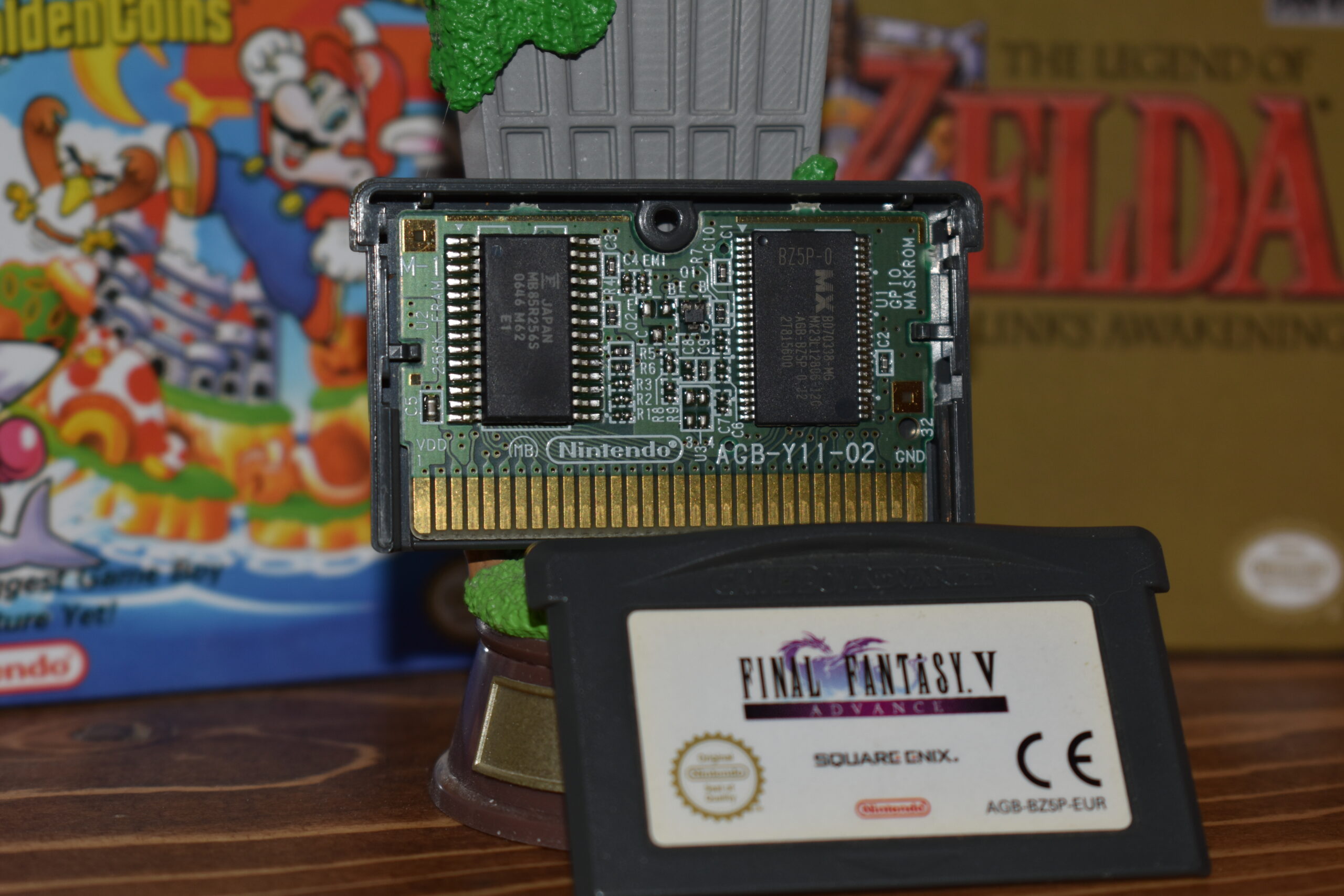
Our lord and savior, the FRAM chip. Ferroelectric random-access memory is not only a cool name but also a nonvolatile type of memory, which means it does not require power to retain stored data. No batteries to be found here.
It is largely treated the same as SRAM in terms of function, to the point where people have modded in FRAM chips on SRAM GBA boards. But this fact, that was quite nice for the manufacturer, can become a bit of a headache when you are hunting down specific versions.
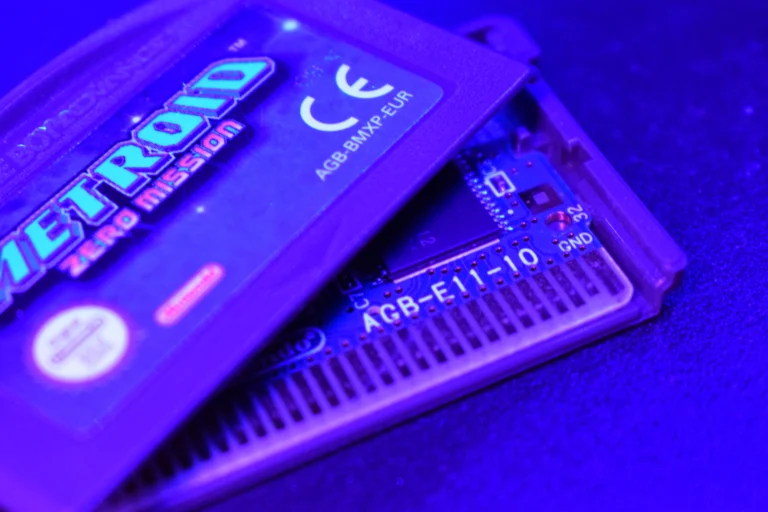
As manufacturing was transitioning out of using SRAM, games that utilized it up until that point started being produced with FRAM chips instead, resulting in 2 different versions. This means that the copy of Metroid: Zero Mission you have been eyeing could have either memory type, regardless of the fact that the save type is treated the same internally.
The switch to FRAM is largely a positive outcome as far as I am concerned, unless perhaps for Fire Emblem, which is a topic for another time.
EEPROM – The small one
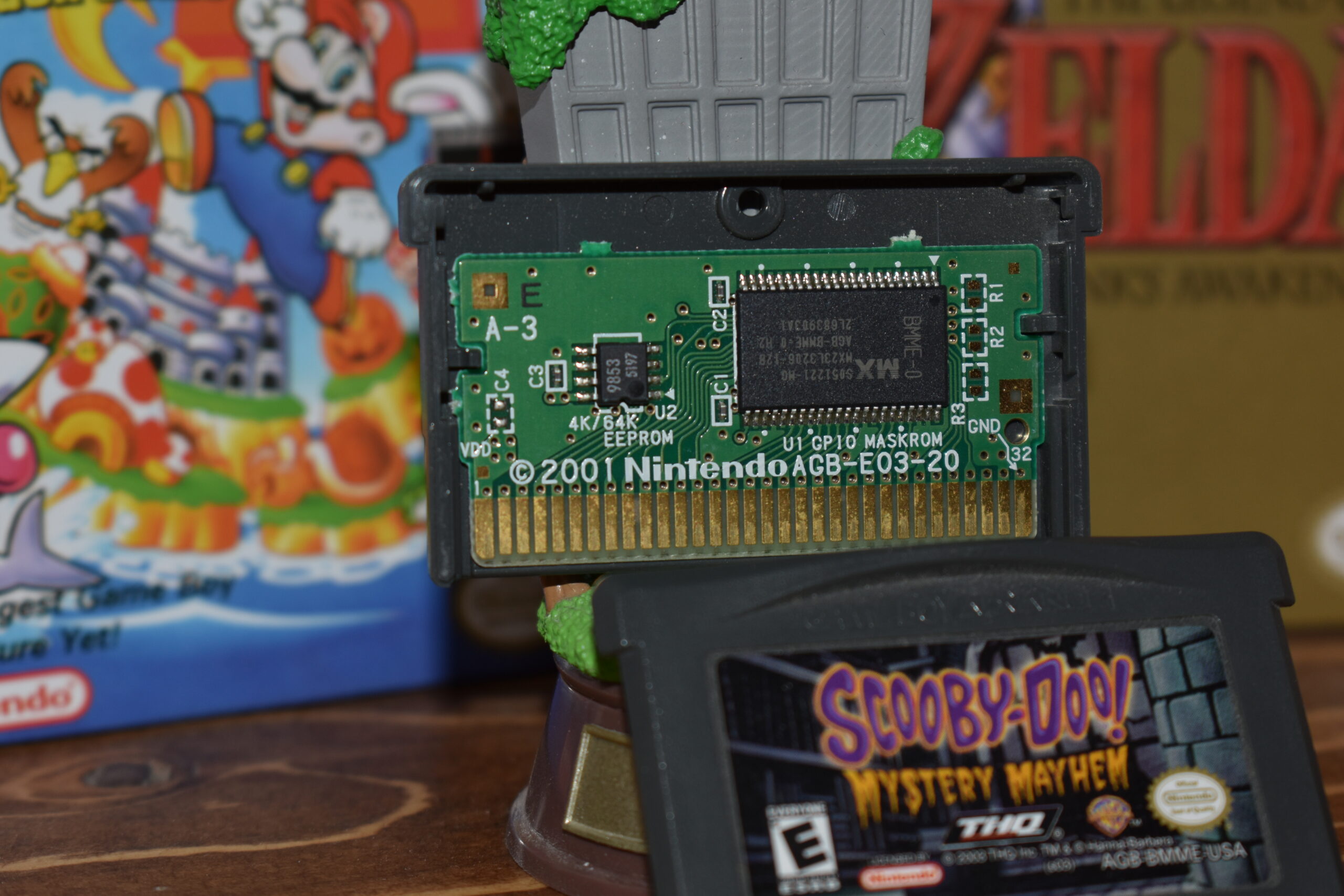
If the game has a small save file, it is using electrically erasable programmable read-only memory. You can actually see the size options on the Scooby-Doo cart above since the PCB doesn’t have much going on; 4K/64k bits which translates to 512 bytes/ 8Kilobytes.
You are most likely to come across EEPROM chips in SNES ports like Super Mario World: Super Mario Advance 2 and licensed games, with some exceptions.
The physically smaller EEPROM chip seems to allow the ROM chip to be placed horizontally, utilizing space well enough to only require a smaller PCB.
Flash memory – The modern solution
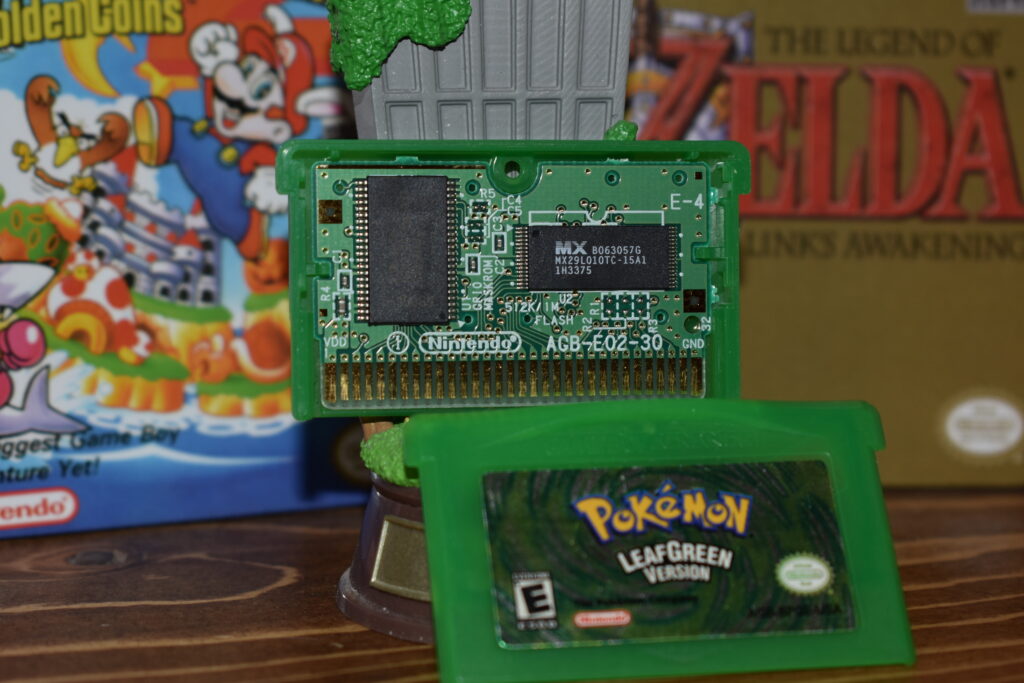
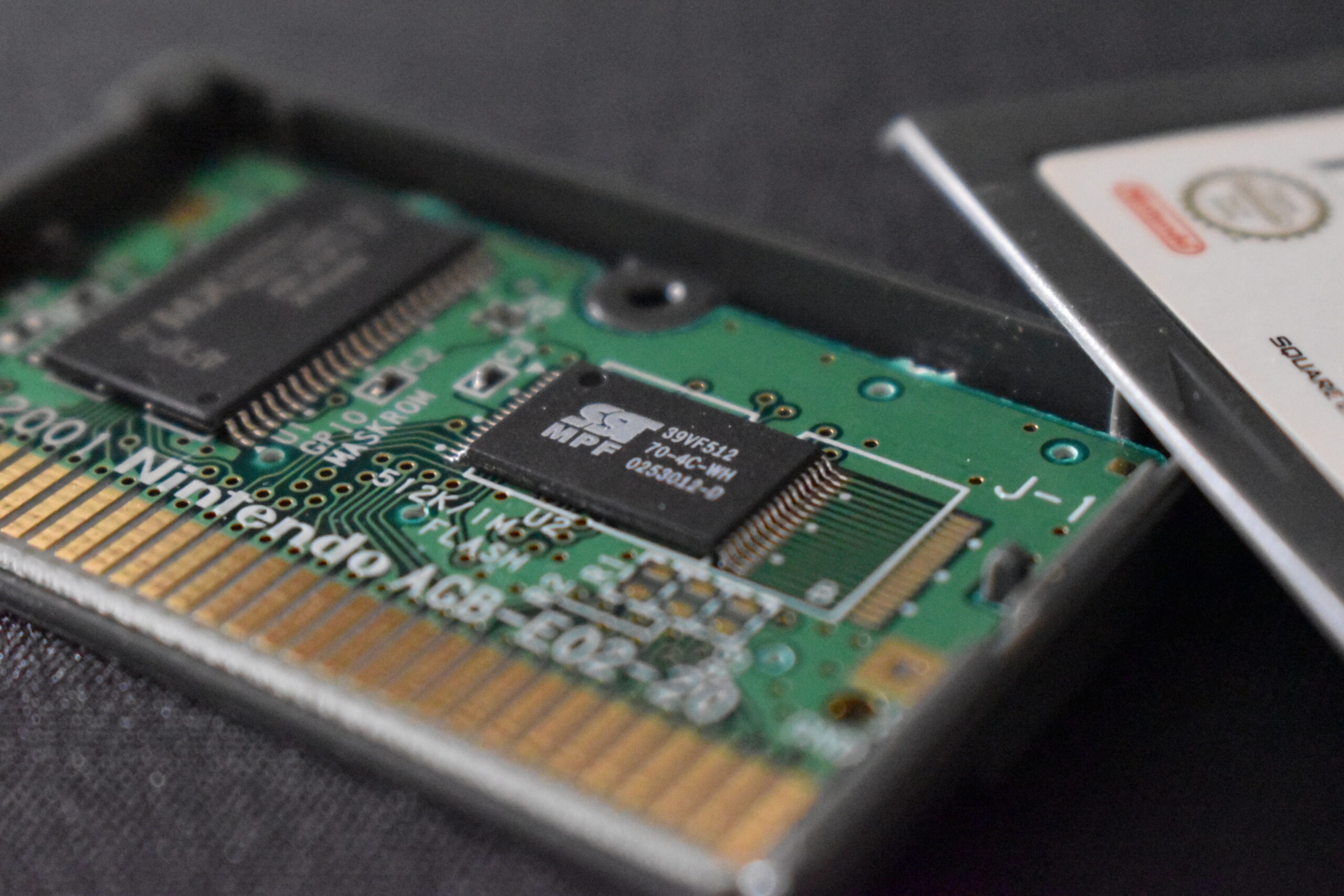
This is the one memory solution that you have heard about, even if you know next to nothing about GBA games. It’s nonvolatile, like FRAM and EEPROM, and it can store 64KB or 128KB (512K or 1024K in bits), hosting the biggest save files available on the console.
All the fan favorite original RPGs on GBA utilize flash memory: Pokemon, Golden Sun, Final Fantasy Tactic Advance, Shining Soul, Mother 3, Tactics Ogre, The Sims 2 Pets…
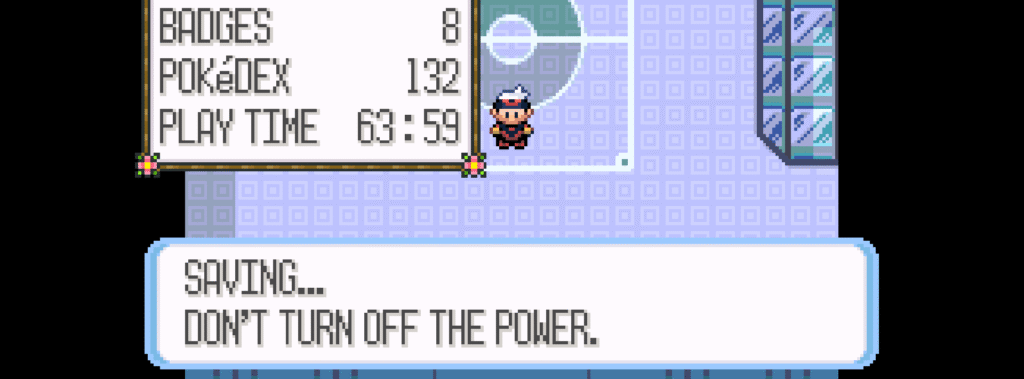
The time it takes to save is longer, something you probably know if you have ever touched a 3rd generation Pokemon game but that’s hardly an issue within the context of the games, outside the few agonizing seconds spent staring at this screen:
Bonus Round 1 – Tick-tock
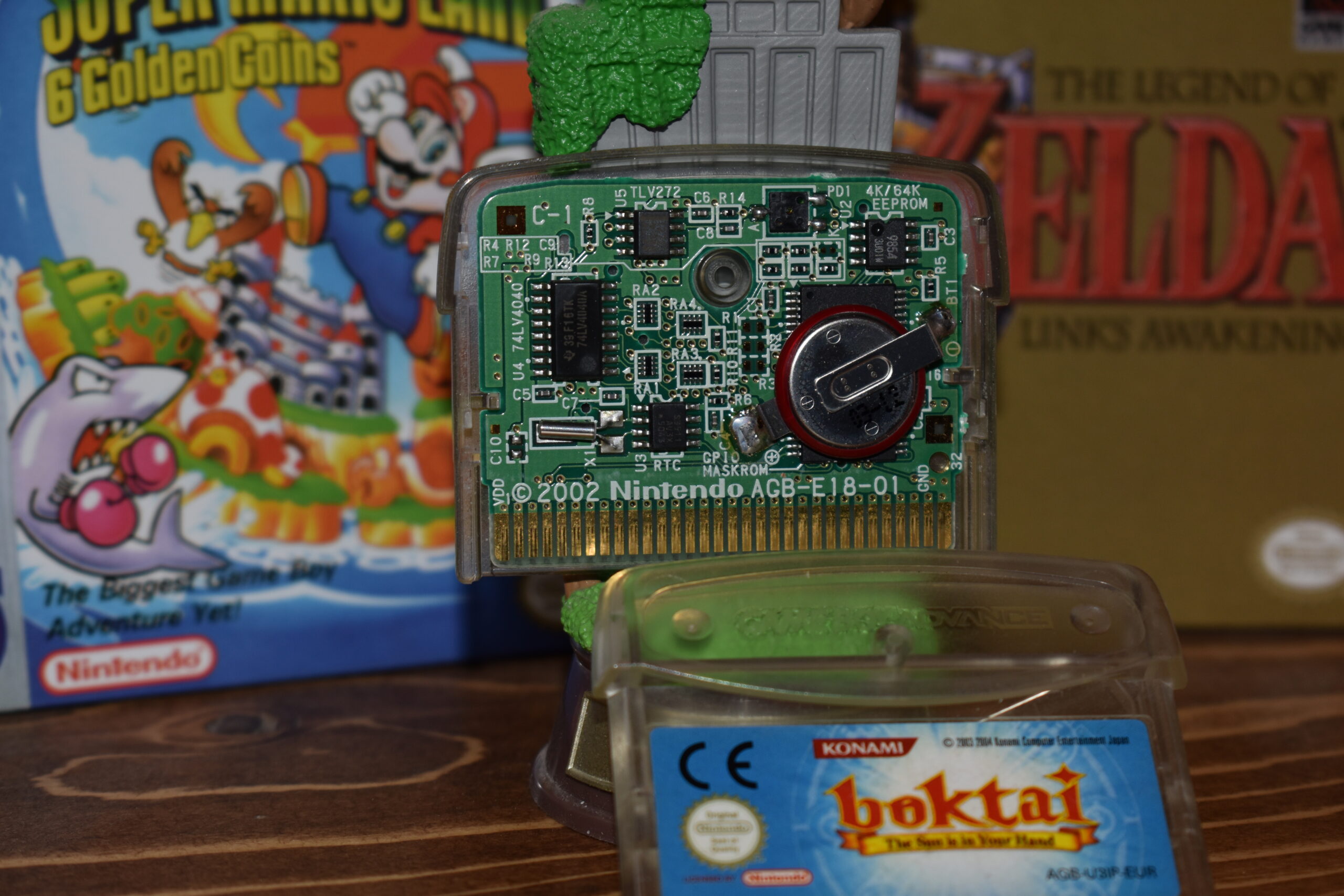
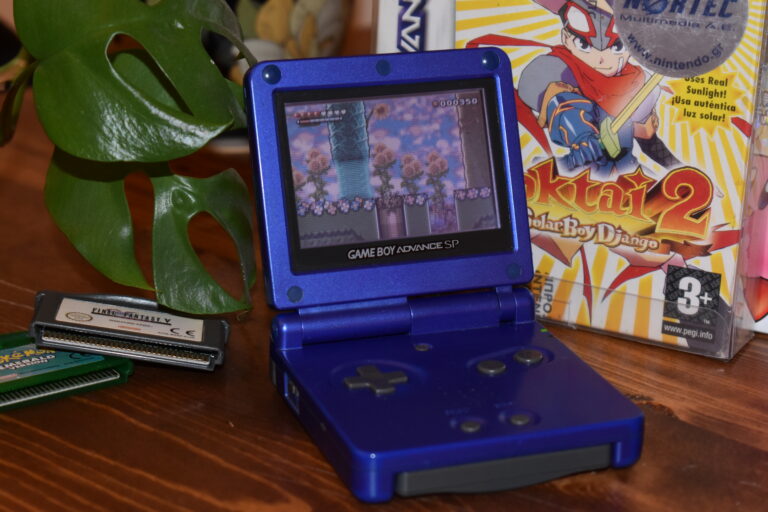
Meet Boktai. There’s a lot happening on both the hardware and software side of Boktai, including a solar sensor, but that is a story for another time. Let’s focus on 2 things: The fact that it uses EEPROM for memory, as indicated on the top right of the PCB, and that it obviously has a battery.
That is because it has a real-time clock function (RTC) and it needs a battery backup to keep time when the game is not running. It can still save progress even after the battery has run dry (just like your Emerald, berries be damned) but the time-related mechanics will not work as intended.
Bonus Round 2 – The phantom save
There is supposed to be a picture of Godzilla: Domination! here, I swear I left the cart in a drawer 17 years ago.
Some games go with the 80s solution and use passwords instead of saving the game state. Mostly basic or extremely arcadey experiences, the carts have a somewhat weird looking PCB that consists of the ROM chip slapped in the middle and a couple of capacitors here and there.
You are going to have to take my word for it. Or maybe check Game Boy hardware database’s AGB – EO1 PCB entries.
Closing thoughts
A lot of niche topics are going to come up here in ROM so I would like this to act like a reference I can point to when discussing why that copy of Kirby: Nightmare in Dream Land isn’t a bootleg even though it lacks a battery.
Of course, satisfying tech-related curiosity is a great goal in itself but the combination of inconsistent hardware configurations and fragmented online information, on top of Google search becoming steadily worse, has made it so that answers to niche GBA-related questions are harder to come by in a comprehensive form.
Sometimes, you might stumble across what you need in a 500-word forum post by PixelSlayer461 made in 2008. ROM will try to cover the rest.